
Restore Old Photos with AI
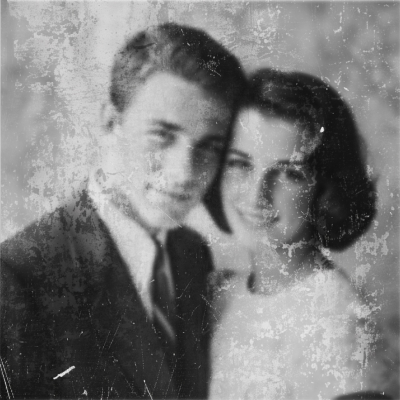

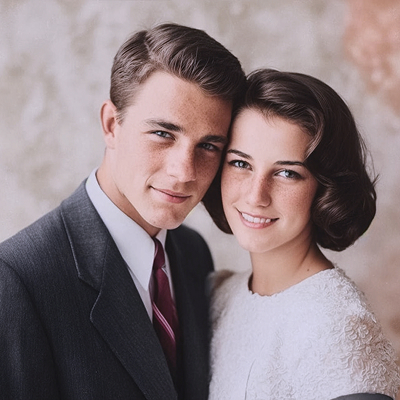
Drag or upload your own images


Trusted by more than 1,500+ users
Our AI Magic Examples
 BeforeAfter
 BeforeAfter
 BeforeAfter
 BeforeAfter
How to Restore Your Photo
1
Upload your photo
Choose your favorite selfie or portrait with your face clearly visible. This helps our AI create the best possible transformation.
2
Download restored photo
In just a few seconds, your photo will be transformed and restored. Download it and enjoy your new look!
How to Restore Your Photo

1
Upload your photo
Choose your favorite selfie or portrait with your face clearly visible. This helps our AI create the best possible transformation.
2
Download restored photo
In just a few seconds, your photo will be transformed and restored. Download it and enjoy your new look!
Frequently asked questions
Will Nuetta invent details that were not in the original?
No — it reconstructs damaged areas conservatively while preserving the original composition.
Can it colorize black-and-white photos?
Yes. Colorization is included in restoration.
What resolution is the output?
Nuetta returns a high-resolution restored image suitable for print.
Are my photos private?
Uploads are private to your account and not used for training.